
Validating and saving the document in item viewer
Once the documents are successfully acquired, you are redirected to the item viewer to validate and save the documents under the selected document type of an integrated app record.
Watch the video to know how to validate profile fields in the item viewer.
Various operations can be performed on the documents while working with them in the document viewer such as editing fields, adding annotations, saving one or more documents.
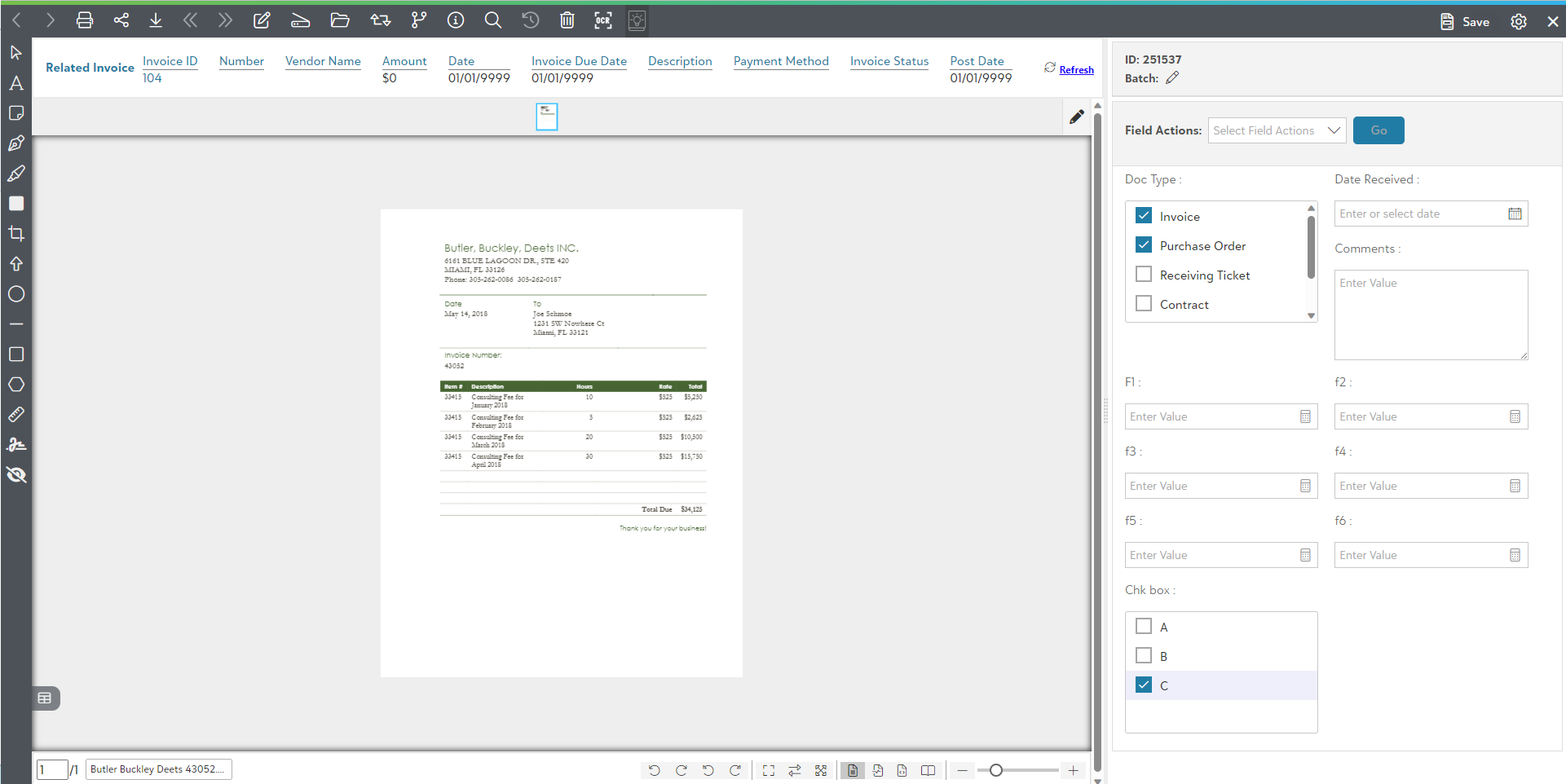
You can explore various topics for validating and saving the documents, such as:
- Top level toolbar options for unsubmitted items
Watch the video to know about the various toolbar options for unsubmitted items.
- Page manipulation view for unsubmitted items
Watch the video to know more about page manipulation view.
- Settings Panel in the item viewer
The following video covers the Settings Panel for the item viewer(unsubmitted items) in the Browse Area:
- Using Image page options for unsubmitted items
The following video explains the how to use Image annotations for unsubmitted items in the Browse Area.
- Save an acquired document from the item viewer
The following video explains the how to Save an acquired document from the item viewer in the Browse Area.